How do I get started?
Last updated February 19, 2026
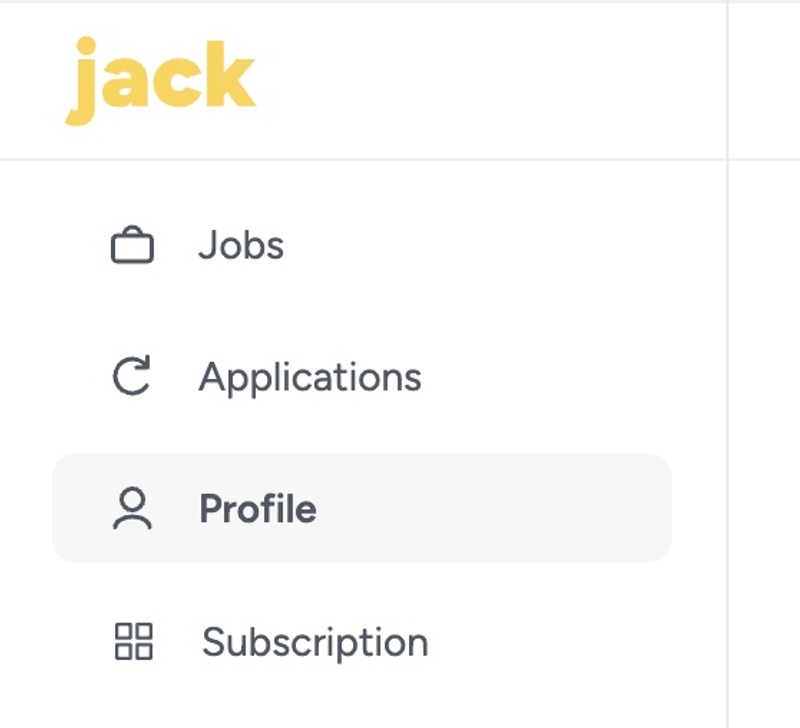
1. Complete Your Profile
Make sure your profile is fully filled out. This ensures we can create the best possible resumes and cover letters for you.
2. Apply to Jobs
You have two options for applying to jobs on Jack:
Option 1: Apply Manually
- Go to your Open Jobs tab .
- Use the filters to find jobs that meet your criteria.
- Select the jobs you want to apply to and click Apply.
Once you press Apply, Jack will submit the application for you.
Option 2: Turn On AutoPilot
Our AutoPilot feature can apply to jobs for you every day automatically.
- Go to the AutoPilot tab .
- Adjust the filters to match your preferences.
- Hit Save Preferences
- Turn on AutoPilot.
Note: AutoPilot does NOT use the job preferences from Open Jobs to find jobs, so make sure your Auto Pilot Preferences are set accurately.
3. Track Your Applications
You can view your application history in the Application History tab .
Applications are submitted as quickly as 5 minutes and may take up to 24 hours to be completed. Applications will appear as In Progress until successfully submitted.
4. Customize Your Resume & Cover Letter
If you’d like Jack to create a custom resume and cover letter for each application:
- Go to the Tools tab .
- Turn on the Resume and Cover Letter features.
Resumes and cover letters are generated using your profile information, so make sure all your experience is included for the best results.