How do I delete my account?
Last updated November 25, 2025
To delete your account, follow these steps:
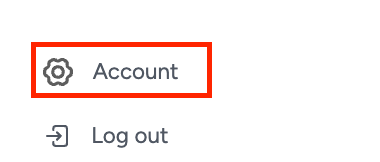
- Go to your Account page In the left navigation menu, click on Account.
- Scroll down to “Manage Account” This section contains your account management options.
- See “Delete Account” Follow the on-screen instructions to complete the deletion process.
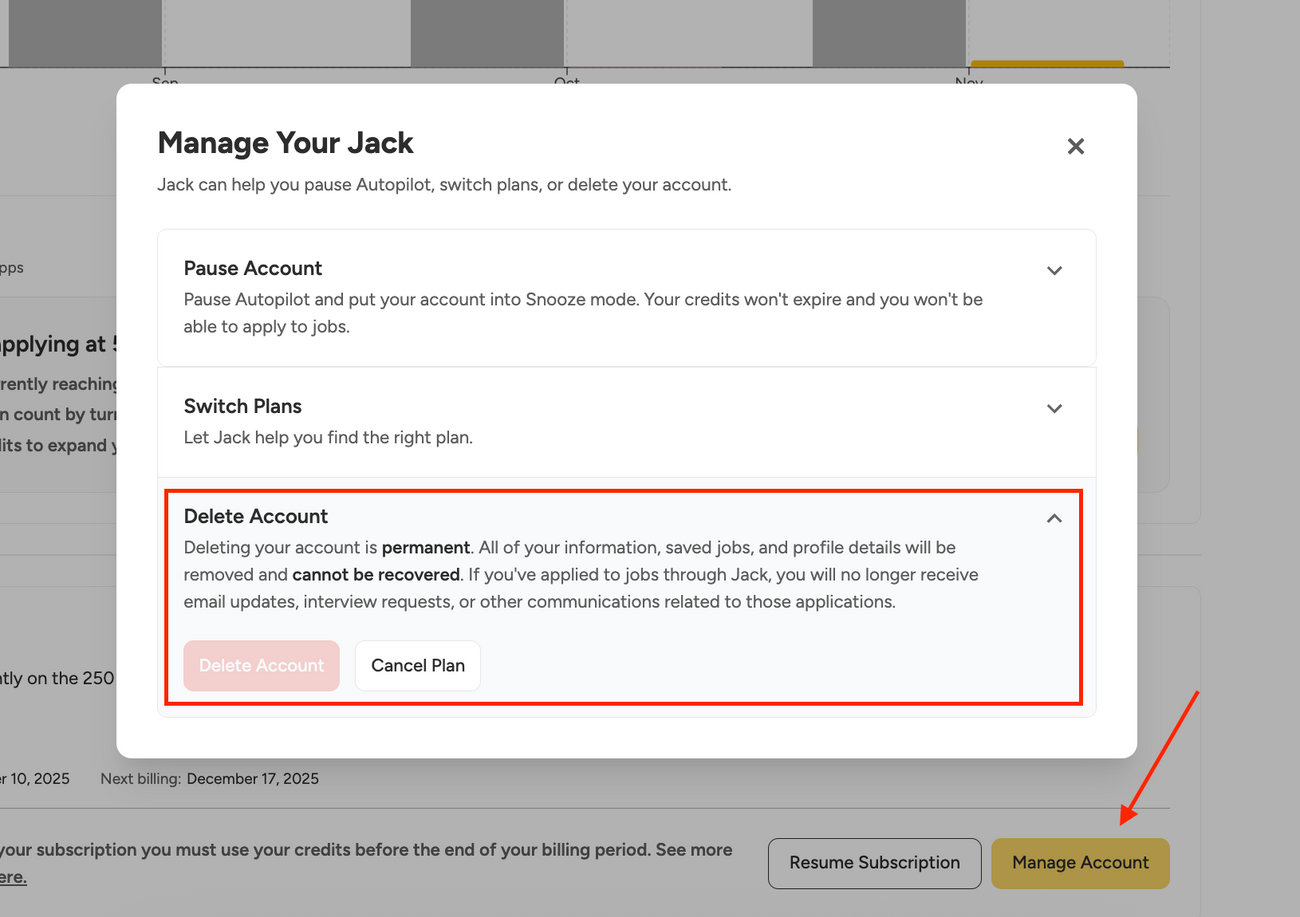
- If you have an active subscription You’ll be prompted to cancel your subscription first before you can permanently delete your account.
Note: If you delete your account you will not receive emails for any applications that have been submitted.
Was this article helpful?